Forgot Password: request a reset link
Start password recovery from the sign-in screen.
2 min read · 4 steps
Where to go
Login → Forgot password
Step by step
- 1
Select Forgot password on the sign-in page.
- 2
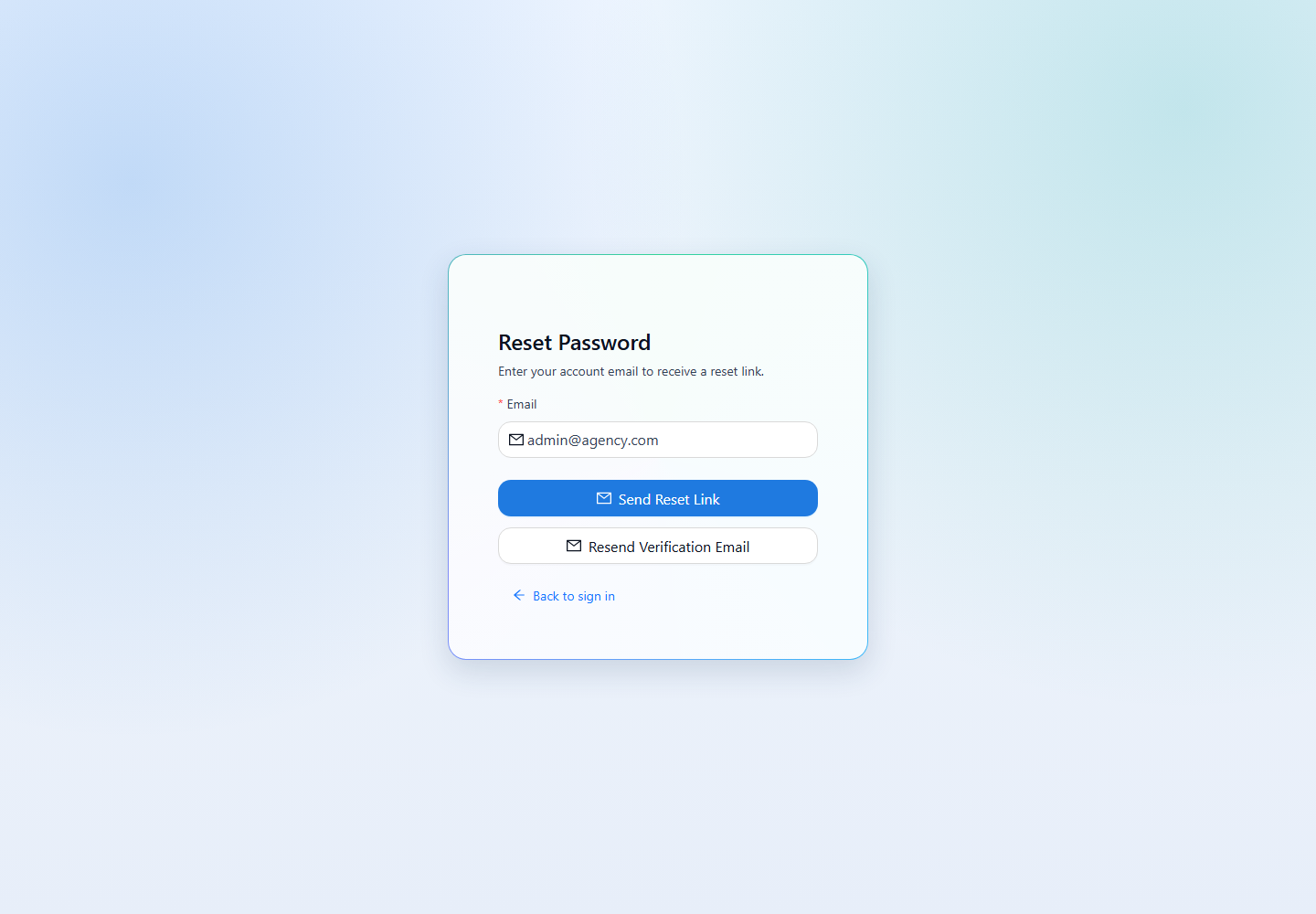
Enter the email address used for your inYice account and submit the reset request.
- 3
Read the confirmation message, then check your inbox and spam folder for the reset email.
- 4
Open the reset link from the email to choose a new password. If you cannot find the message, confirm the address and contact your company admin for help.
See it in the workspace
Actual portal screens. Private values are hidden where needed. Open an image to see it at full size.
Good to know
A confirmation message does not prove an account exists for that email. Use your own account email, and keep reset links private.
Was this guide helpful?