Sign in and manage your session
Access your workspace and understand session expiry.
2 min read · 5 steps
Where to go
Login → Profile menu
Step by step
- 1
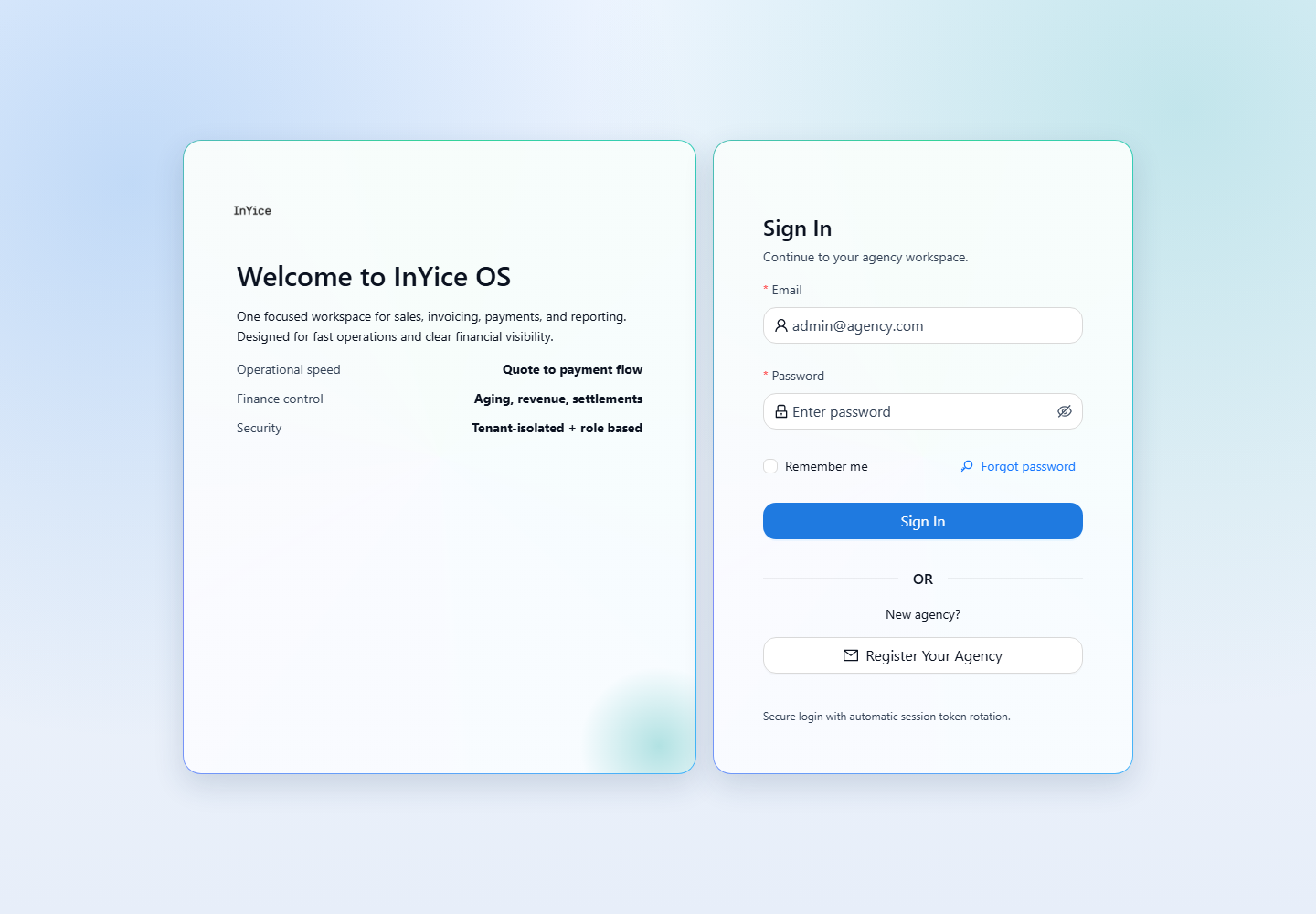
Open the portal login page and enter your account email and password.
- 2
After signing in, use the sidebar to open the workflow you need.
- 3
To check your user details, open the profile menu and choose User Profile.
- 4
Use Logout in the profile menu when you finish, especially on a shared computer.
- 5
If you are signed out after inactivity, sign in again. Sessions expire after four hours of inactivity.
Good to know
Inactive users cannot sign in. If the portal reports an existing session on another device, sign out there first. Use the offered sign-out-old-session action only when you intend to end that session. Contact your company owner or admin if access remains unavailable.
Was this guide helpful?