Set up your agency
Your first steps from registration to a ready-to-use workspace.
Registration
Step by step
- 1
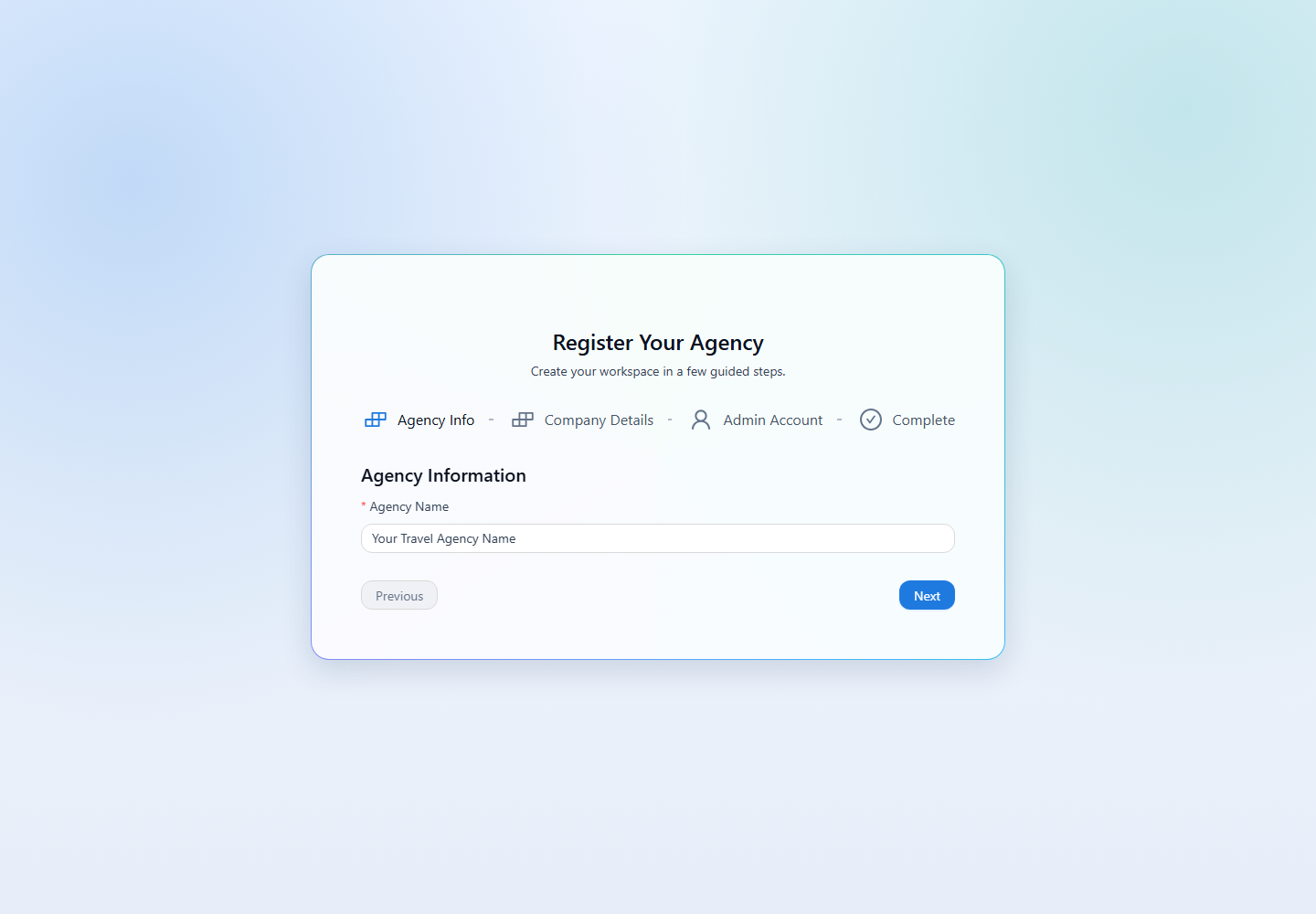
Open the registration page from the portal. In Agency Info, enter your agency name and continue to Company Details.
- 2
In Company Details, enter your legal name, company email, phone, billing address, base currency, and timezone. Check the base currency carefully because it is used for reporting and default accounts.
- 3
In Admin Account, enter the details for your agency owner and choose a password of at least 8 characters.
- 4
Complete registration. You will be signed in to the new workspace. A Main Cash Box account is created automatically.
- 5
Add your customers and vendors, then open Finance → Create Order to start your first booking.
Already part of an agency? Ask your company owner or admin to create your user instead of registering another agency.