Invoices: find and manage invoices
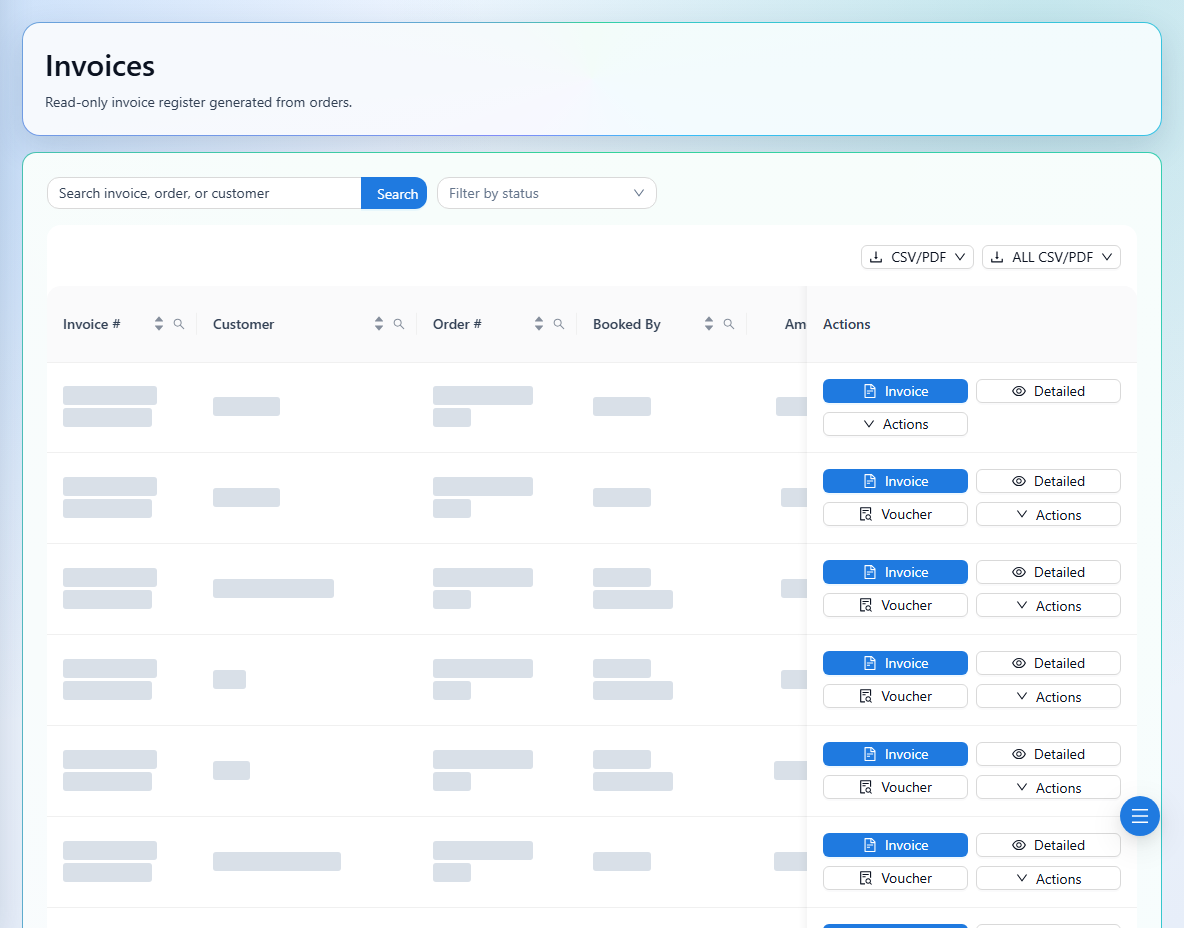
Search invoices and review totals, balances, status, and available actions.
Finance → Invoices
Step by step
- 1
Search by invoice number, order, or customer. Use the status filter to narrow the list.
- 2
Open the invoice summary and confirm its customer, order, booked-by user, invoice date, due date, total, and outstanding amount.
- 3
Open the invoice document to review lines and recorded receipts or payments.
- 4
Use the available action menu for sharing or permitted updates. Discount actions can use an amount or percentage; review the resulting value and reason before confirming.
- 5
Check confirmations carefully for refunds, deletion, voiding, or order edits, then review the record after the action completes.
See it in the workspace
Actual portal screens. Private values are hidden where needed. Open an image to see it at full size.
Some actions are restricted by role or invoice state. Cancelled records are reviewed through Cancelled Report rather than the active list.