Discount Report: review invoice discounts
Find amount and percentage discounts and trace them to their invoices.
Reports → Discount Report
Step by step
- 1
Set the date filters and choose Type or Customer when you want to narrow the report.
- 2
Run the report and review discount counts, total discount, and the amount-versus-percentage breakdown.
- 3
Check Discounts by currency before combining or comparing amounts.
- 4
Review each record’s discount date, invoice, order, customer, type, percentage, amount, reason, and creator.
- 5
Use the Open action to inspect the source document when a discount needs investigation.
See it in the workspace
Actual portal screens. Private values are hidden where needed. Open an image to see it at full size.
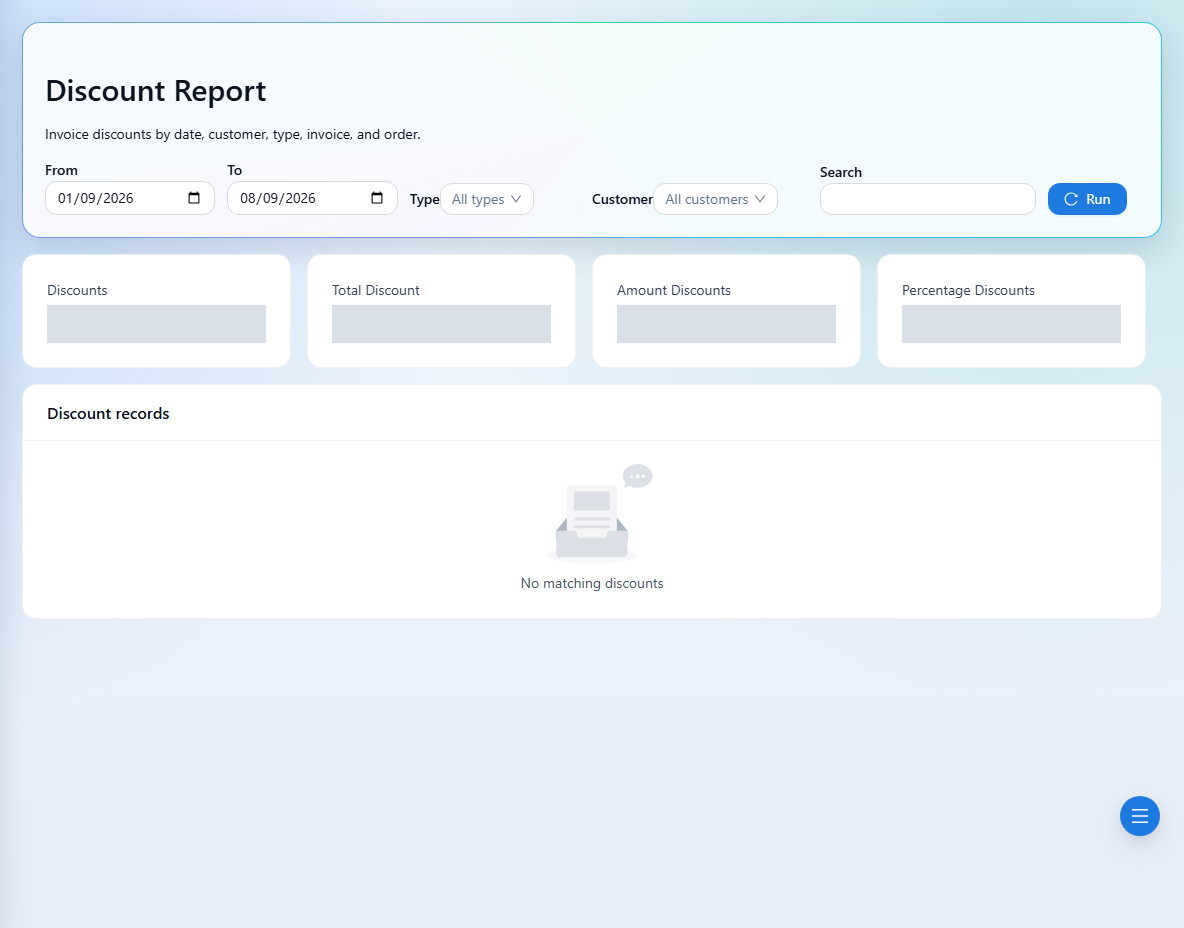
The report reviews recorded discounts. Apply an authorized discount from the invoice workflow, then rerun the report.