Revenue Report: review sales over time
Generate revenue figures for a selected date range and grouping.
2 min read · 4 steps
Where to go
Reports → Revenue Report
Step by step
- 1
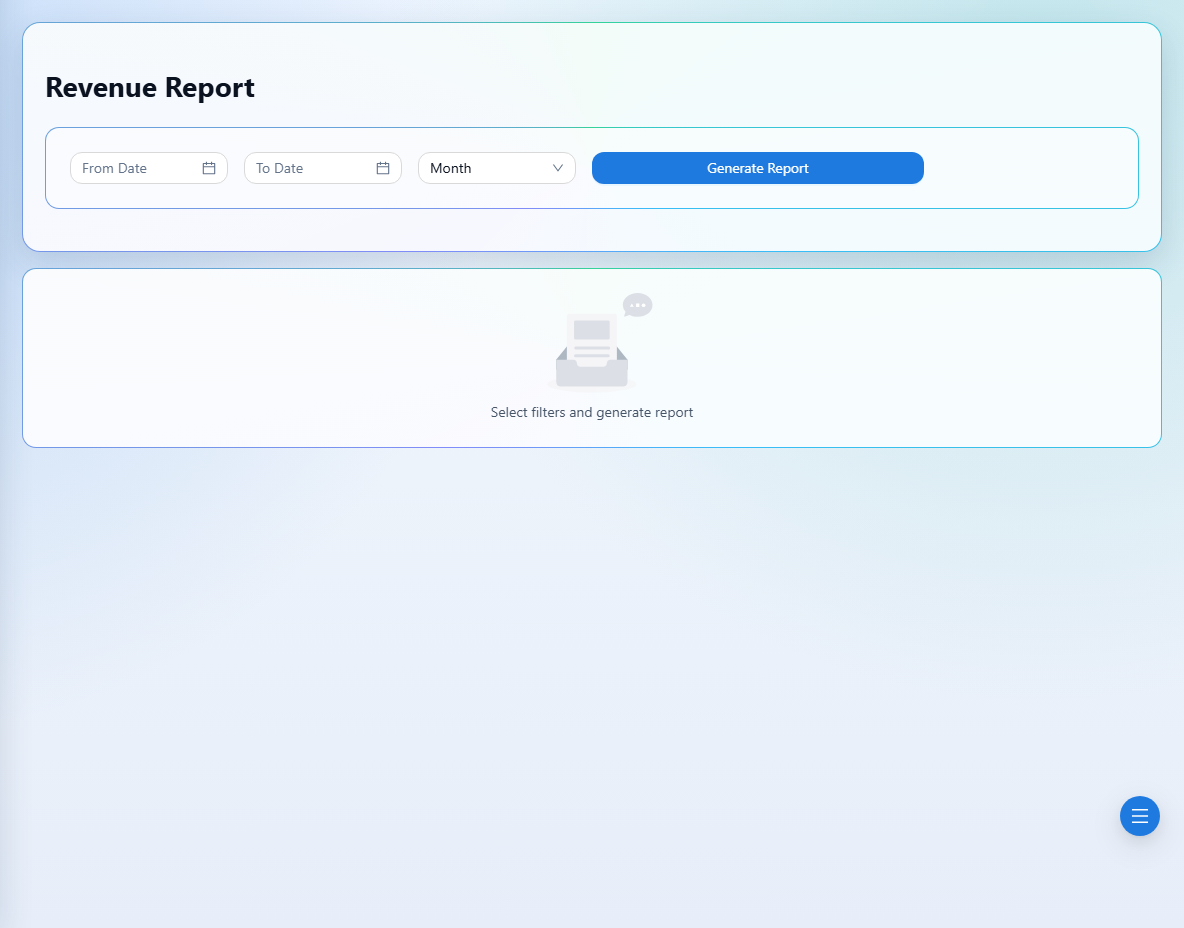
Choose From Date and To Date for the period you need.
- 2
Select Group By: Day, Week, Month, or Year.
- 3
Generate the report and review the totals, chart, and grouped rows.
- 4
Change the period or grouping and generate again when comparing trends.
See it in the workspace
Actual portal screens. Private values are hidden where needed. Open an image to see it at full size.
Good to know
Revenue and cash collected measure different things. Use Receipt Report to compare recorded money received.
Was this guide helpful?