Review your agency’s gross profit
Explore gross profit and profit after sharing by customer, vendor, or staff member.
Reports → Profit Report
Step by step
- 1
Open Profit Report and select the period. Choose the date basis: Invoice Date, Creation Date, Departure Date, Check-in Date, or Service Date.
- 2
Use View to switch between Customer, Vendor, and Staff.
- 3
Choose All or a specific customer, vendor, or staff member to show the list and order details.
- 4
Review gross profit and profit after sharing. Use the order details to investigate the revenue and supplier costs behind a figure.
- 5
If figures look incomplete, check the date basis, invoice status, and the vendors and costs recorded on the underlying orders.
See it in the workspace
Actual portal screens. Private values are hidden where needed. Open an image to see it at full size.
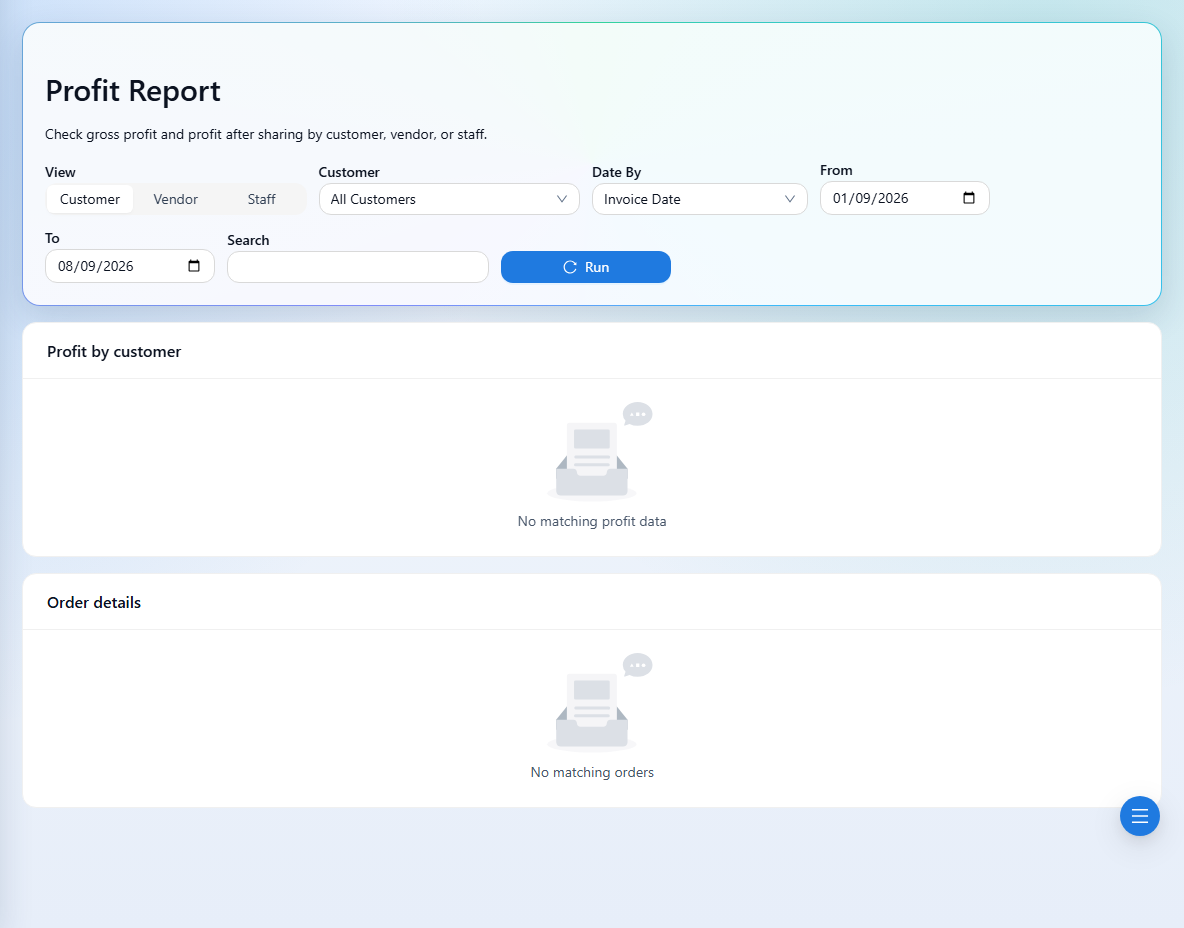
For orders with multiple vendors, the vendor-wise view allocates revenue proportionally across supplier costs. Profit sharing changes staff responsibility; it does not record a cash payment.