Aging Report: review overdue balances
Identify outstanding invoice balances by aging bucket.
2 min read · 5 steps
Where to go
Reports → Aging Report
Step by step
- 1
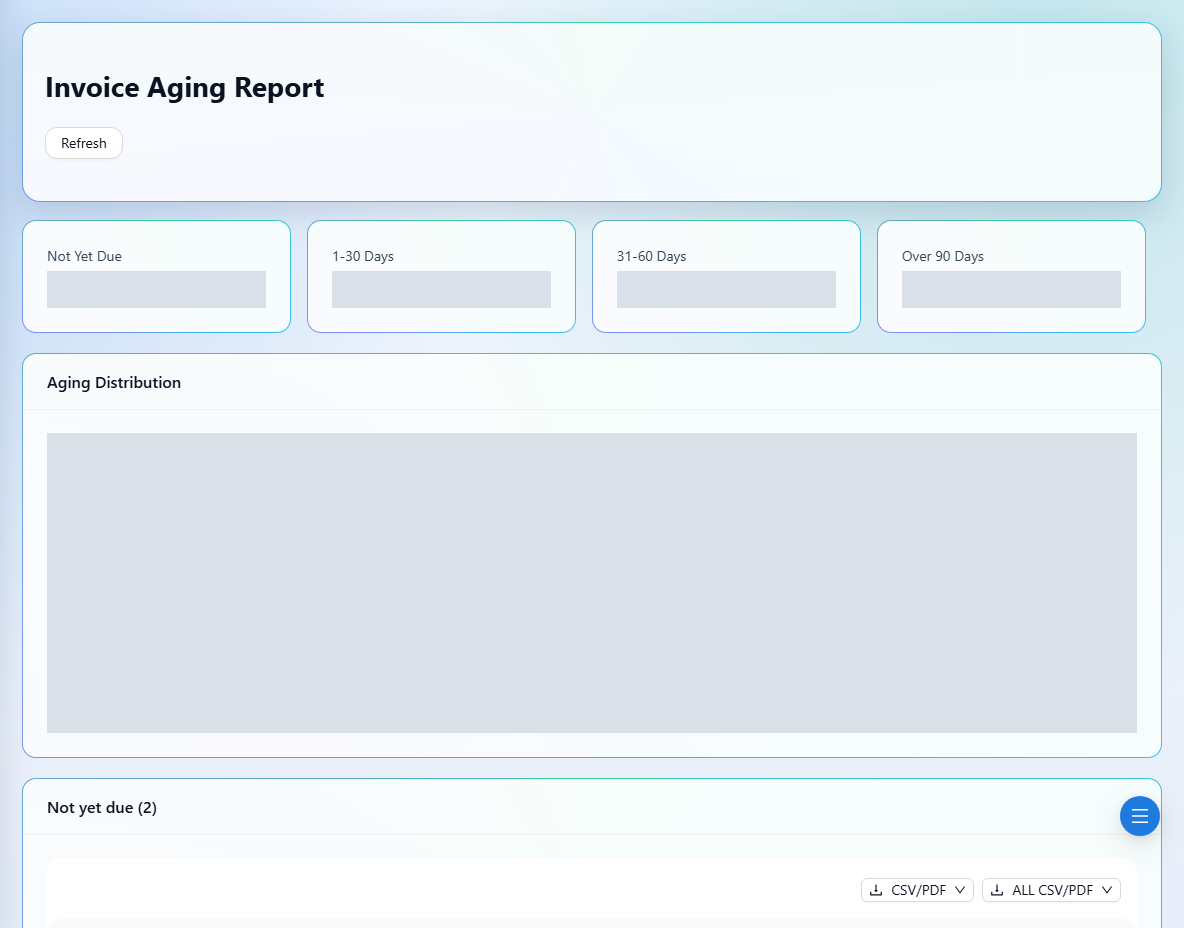
Open Aging Report and wait for the current company data to load.
- 2
Review the summary totals and the aging distribution to see how long balances have been outstanding.
- 3
Inspect the detail rows to identify invoices requiring follow-up.
- 4
Use Refresh to reload the report after receipts or invoice updates.
- 5
Find the relevant invoice or customer statement to investigate a balance before contacting the customer.
See it in the workspace
Actual portal screens. Private values are hidden where needed. Open an image to see it at full size.
Good to know
An aging report concerns outstanding invoices. Use Receipt Report to review money received instead.
Was this guide helpful?