Vendor Statement: review supplier balances
Generate a vendor statement and follow its running balance.
2 min read · 5 steps
Where to go
Reports → Vendor Statement
Step by step
- 1
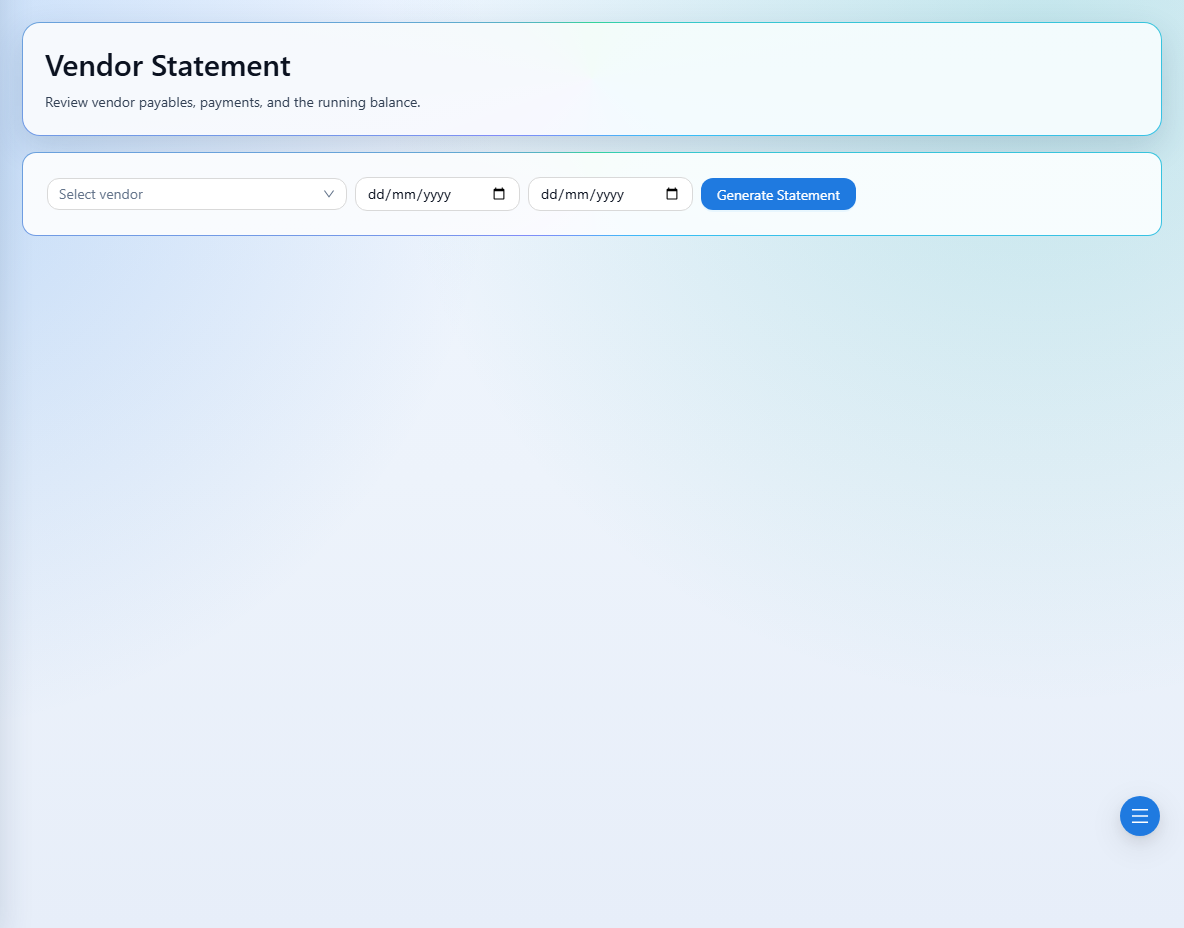
Select the vendor whose activity you need to review.
- 2
Set the date filters and choose Generate Statement.
- 3
Review the vendor details, payable records, payments, receipts, and running balance shown.
- 4
Trace an unexpected amount through its order, invoice, payment, or receipt reference.
- 5
After correcting a source record or changing filters, generate the statement again.
See it in the workspace
Actual portal screens. Private values are hidden where needed. Open an image to see it at full size.
Good to know
Vendor payable records depend on eligible invoiced orders and linked supplier costs. Check the source invoice and vendor cost details if an expected payable is missing.
Was this guide helpful?