Customer Payments: record money paid back
Record money leaving your agency for a customer.
2 min read · 5 steps
Where to go
Finance → Customer Payments
Step by step
- 1
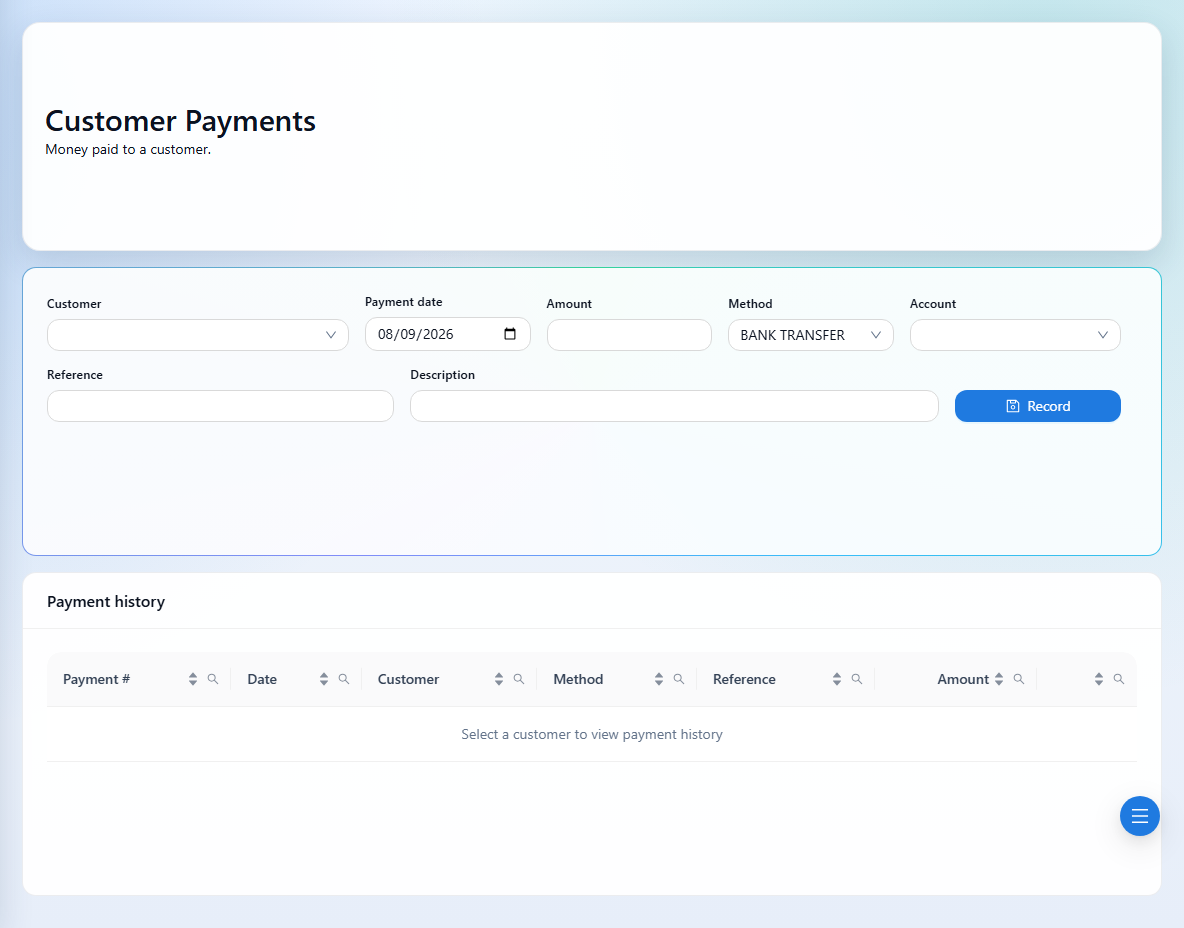
Select the customer and check the payment history that loads for them.
- 2
Enter the date, amount, method, reference, and description.
- 3
Choose an account when applicable; available accounts are filtered by the customer currency.
- 4
Confirm the customer, amount, and direction of money, then save the payment.
- 5
Review the saved record. Use supported edit or delete actions only to correct the intended transaction.
See it in the workspace
Actual portal screens. Private values are hidden where needed. Open an image to see it at full size.
Good to know
For payments that must be allocated to refund orders, use Refund Allocation. Avoid recording the same payment again on both screens.
Was this guide helpful?